yes, you can do react native dev via ssh
Ever since I joined Ona (joining OpenAI soon!), I have moved all my development workflow to a separate Linux box with Nix. Historically, React Native had always been dependent on local iOS toolchains in order to build and run iOS apps during development. With Expo EAS however, it is now possible to move React Native projects to the cloud.
Note that you do not need Expo EAS to replicate this workflow, although it will require manual work to replicate the process!
How does it work?
The workflow is simple: Expo takes your project code and build it in their macOS-based servers. Then, app bundles are produced which can be installed into simulators and on physical iPhones.
Finally, Metro can serve the JavaScript bundle under a remote URL. All that’s left to do is to point the app to the URL via the Expo dev UI. Voila!
I am sure people reading this are smart enough to figure the details out. In any case, I will write out the details for future reference. This guide assumes that there is an existing Expo project.
Defining builds
Create eas.json at the root of the React Native project:
{
  // ...
  "build": {
    "development": {
      "developmentClient": true,
      "distribution": "internal",
      "ios": {
        "image": "sdk-56"
      }
    },
    "development-simulator": {
      "extends": "development",
      "ios": {
        "image": "sdk-56",
        "simulator": true
      }
    }
  }
  // ...
}
Two build configs are specified:
developmentconfigures the build that is intended to be used for development.- Setting
"developmentClient"enables the development UI shell which is crucial. - Setting
"distribution"to"internal"allows the app to be distributed via a URL. Learn more here
- Setting
development-simulatorcopiesdevelopmentbut with simulator build enabled.
Triggering the build
Run
eas-cli build --profile development-simulator --platform iosto build your React Native project for the iOS simulator. If this is run for the first time, Expo will ask you a bunch of questions regarding Apple development profiles and certificates. If not, add --non-interactive so that Expo doesn’t repeat the questions again.
I have the above command configured as a package.json run script which lets me run the build by entering bun run build:ios-simulator
The command will print the build progress live to stdout.
Installing Expo Orbit
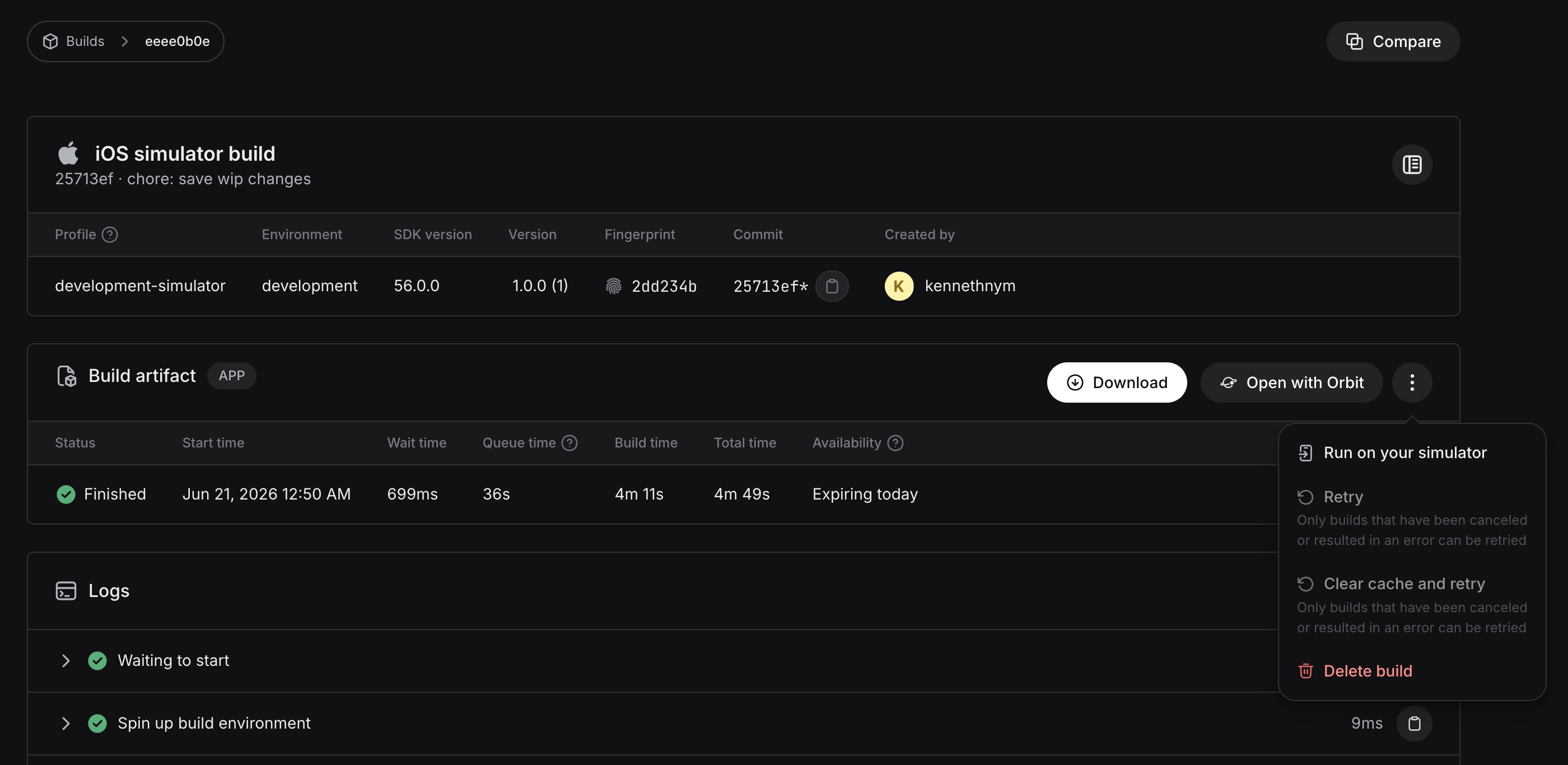
Expo Orbit allows you to download a build to an iOS simulator from EAS directly. To do so, click on the Orbit icon in the menu bar, then click “Select build from EAS…” Then, select a project, and pick a build from the build list. There should be an “Open with Orbit” button. It will open Orbit, which will then download the build and install it to the current active Simulator.
Serving the Bundle
Run expo start as normal, which serves the JavaScript bundle over LAN on port 8081. If your box is not in LAN, then you can change the URL via the EXPO_PACKAGER_PROXY_URL environment variable:
EXPO_PACKAGER_PROXY_URL=<accessible-url> bunx expo start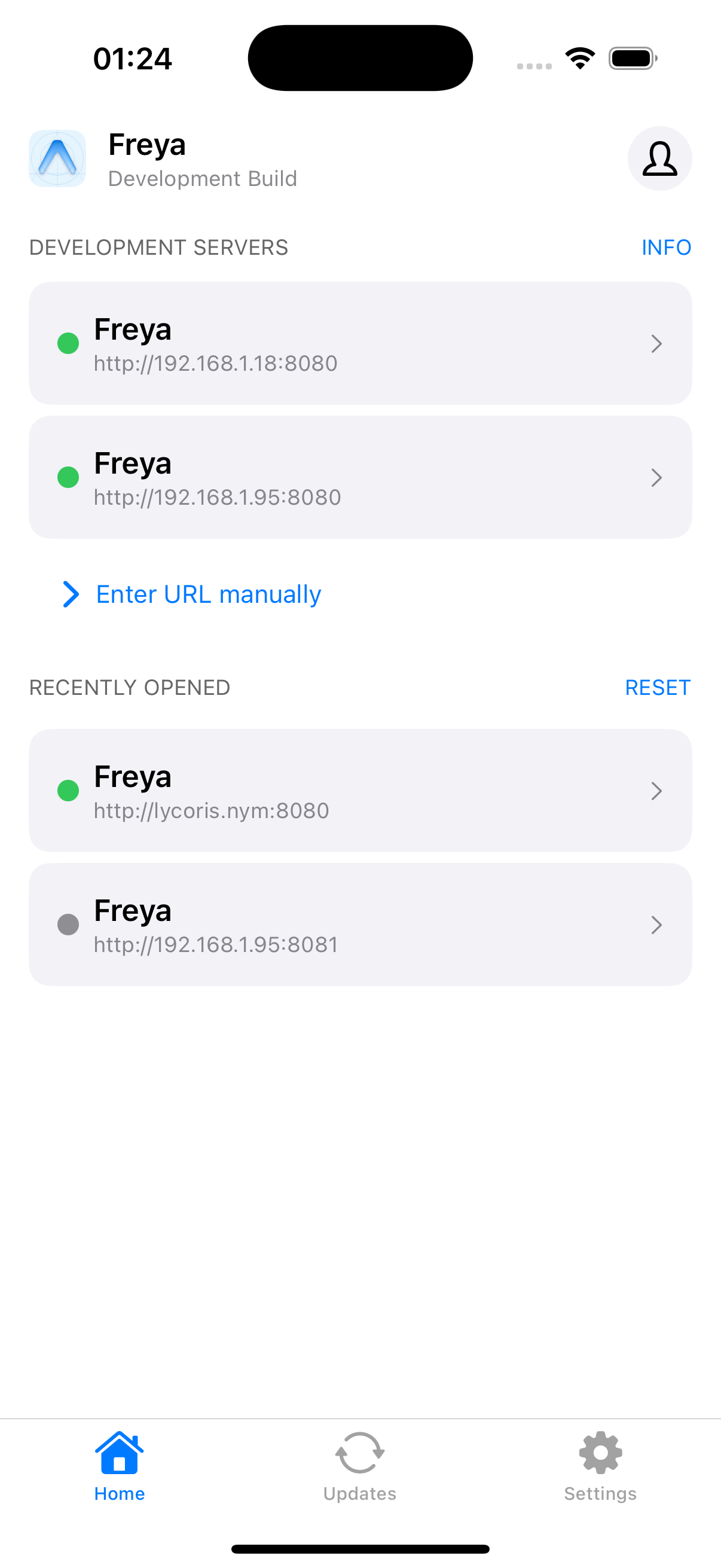
Finally, point the dev client to the URL. The client should start loading the bundle from the dev server running on the remote!